Six Drone Moves, and What Each One Is Actually For
The reveal, the orbit, the pull-back, the push-through, the top-down, and the parallax. What each shot communicates, which rig flies it, and when paying for it is a waste.
Most bad drone footage is not badly flown. It is flown well, in the wrong direction, for a property that needed something else.
The move carries meaning. An orbit says one thing, a pull-back says almost the opposite, and if you pick the wrong one you have spent money making a confident statement about your property that you did not intend to make. What follows is the working vocabulary: six moves, what each communicates, which rig flies it, and when it is not worth the shot.
1. The reveal
The camera starts on something that blocks the subject, a tree line, a roof edge, a hedge, and moves so the subject emerges.
What it says: anticipation. There is something here worth waiting two seconds for.
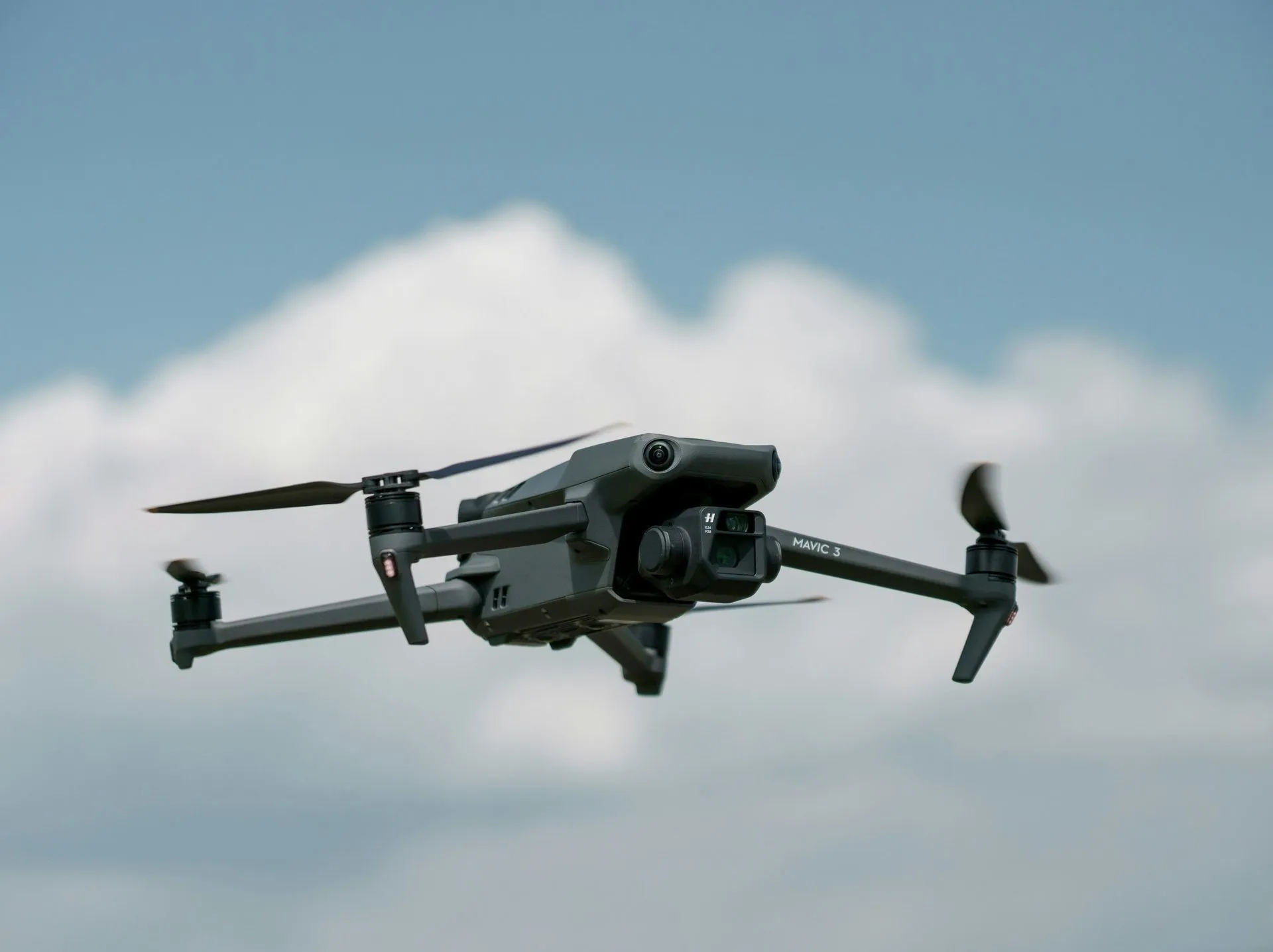
Rig: gimbal, usually. A DJI Air 3 rising past a tree canopy is the standard version. FPV can do a faster, more aggressive one.
When to use it: properties whose best feature is not visible from the street. A house whose back half is the whole story. A venue with a hidden courtyard. A building where the approach is unremarkable but the site is not.
When to skip it: if the subject is visible from the road, you are hiding something the viewer already saw, which reads as padding. Open lots with no foreground obstruction have nothing to reveal from.
2. The orbit
The camera circles the subject at a fixed radius, keeping it centered.
What it says: this object is worth examining from every side. It is the most confident move in the vocabulary.
Rig: gimbal. Smooth radius is the entire point and a gimbal holds it better than a hand on FPV sticks.
When to use it: architecturally interesting buildings, properties on unusual lots, anything where the shape changes meaningfully as you move around it. Also the correct move for a hero exterior on a listing over roughly $1M, because the confidence is the message.
When to skip it: a rectangular building on a rectangular lot. Orbiting a box tells the viewer you circled a box. If three sides look the same, you are paying for one shot and showing it three times.
3. The pull-back
The camera starts tight on the subject and retreats, usually rising, until the subject is small in a wider context.
What it says: here is where this sits in the world. It is the context move.
Rig: gimbal.
When to use it: when location is the selling point. Lake frontage. Proximity to a skyline. Acreage. A venue whose grounds are the product. It is also the standard closing shot of a listing video, because ending wide feels like an ending.
When to skip it: when the surroundings are not an asset. A pull-back over a property flanked by a self-storage facility is an honest shot and a bad one. If the neighborhood is not the pitch, do not widen out into it.
4. The push-through
The camera moves continuously through an opening: a doorway, a window, a gap in a structure, from one space into another without cutting.
What it says: these two spaces are connected, and here is what it feels like to move between them.
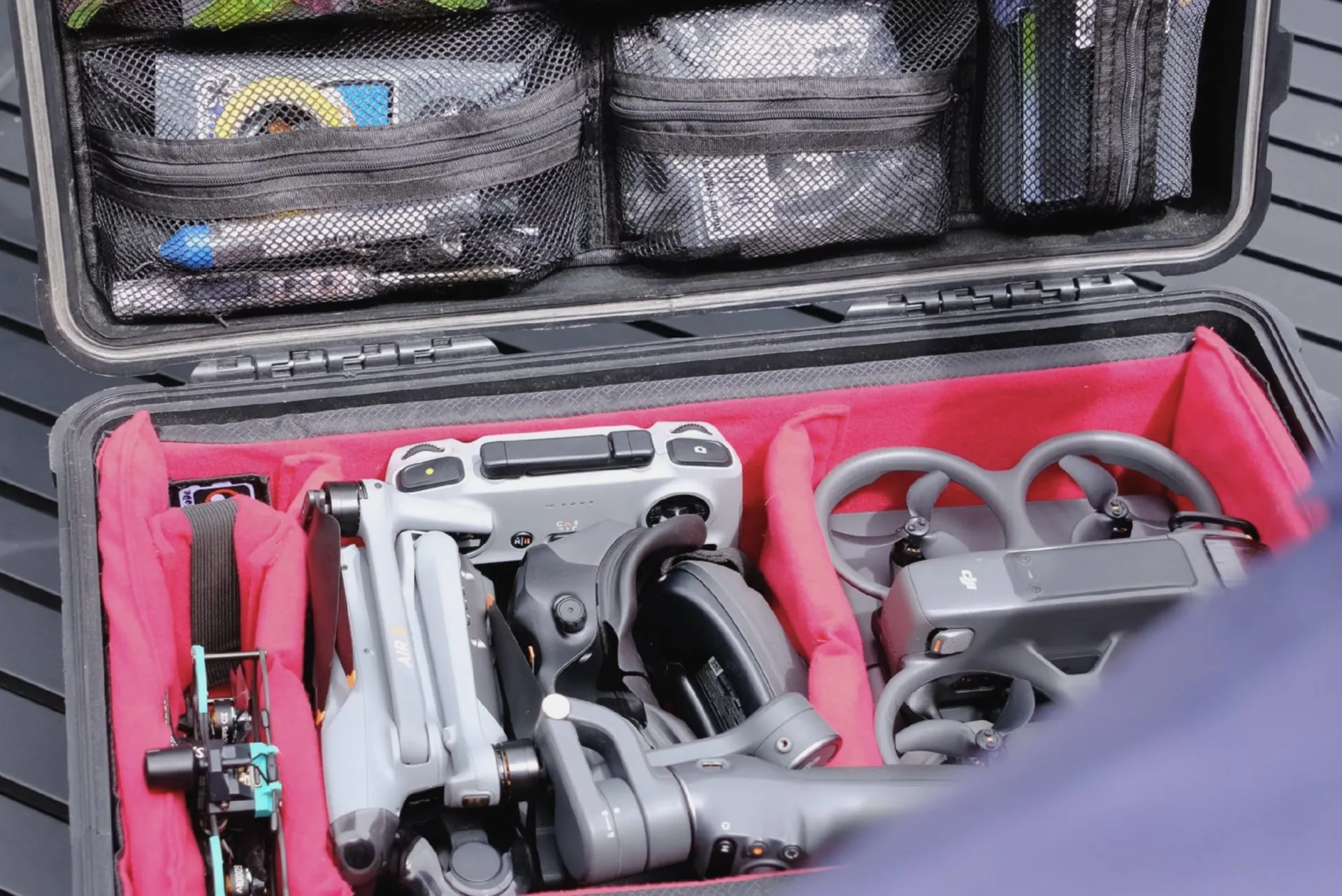
Rig: FPV, exclusively. This is the shot a gimbal drone physically cannot fly. It needs a small ducted aircraft like the Spydr iTSY Evo, flown through goggles at walking pace.
When to use it: any property where the relationship between spaces matters more than the spaces themselves. Interior to exterior transitions. Multi-level layouts. Venues with several zones. Restaurants and taprooms where the whole design argument is how areas hand off to each other.
When to skip it: genuinely small or compartmentalized spaces. If the rooms are boxes off a hallway, flying through them shows you a hallway. The push-through earns its cost when there is something on the other side worth arriving at.
5. The top-down
The camera looks straight down from altitude, subject centered, often rotating slowly.
What it says: here is the shape of this. It is the most informational move and the least emotional one.
Rig: gimbal.
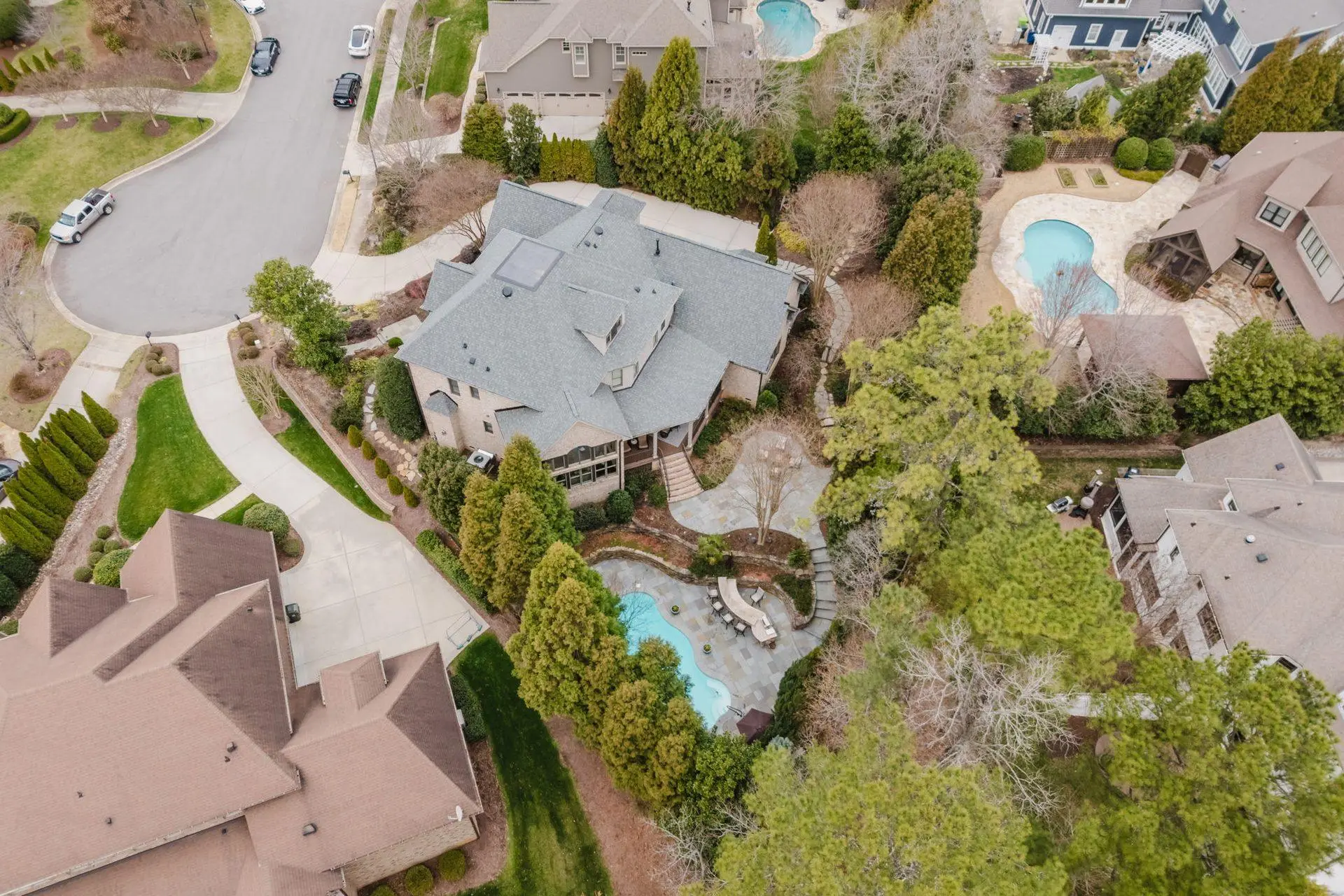
When to use it: lot lines, acreage, site plans, parking, roof condition, anything where the answer is a shape rather than a feeling. It is the single most useful shot for commercial property and construction documentation, and the most underused shot in residential.
When to skip it: as a hero image. Top-down is legible, not seductive. It belongs in the middle of a photo set or in a documentation deliverable, rarely at the front of a listing video.
6. The parallax
The camera tracks sideways past the subject while staying pointed at it, so the foreground slides against the background at different speeds.
What it says: this is a real, three-dimensional place. Parallax is the depth cue that separates video from a moving photograph.
Rig: either, but FPV does it more aggressively because it can get close to foreground objects.
When to use it: heavily treed lots, layered sites, anything with foreground worth using. It is the move that makes a flat-looking property read as dimensional.
When to skip it: empty foregrounds. Parallax with nothing in front of the camera is just a slow pan, and you will not see the effect you paid for.
Which of these you actually need
For a standard residential listing: a reveal or an orbit for the hero, a pull-back to close, and a top-down in the photo set. That is it. Three moves cover the vast majority of homes, and adding more is usually padding a runtime rather than selling a house.
For commercial property: top-down and pull-back do most of the work, because the buyer’s questions are about site, access, and context rather than emotion.
For venues, restaurants, and any multi-zone space: the push-through is the shot, and the rest support it. If the reason your space works is how the areas connect, that is the only move that can show it.
The thing worth internalizing is that shot count is not quality. A listing video with three well-chosen moves outperforms one with nine, because every move that does not carry a message costs the viewer attention and returns nothing. Pacing is a budget, and most drone footage is overspent.
How this shows up in a package
Move selection is a scoping conversation, not an upsell. On residential work the package tier determines how much of this vocabulary is in play: the Drone Tour package is built around the push-through, aerials cover the reveal, orbit, pull-back, and top-down, and the Elite tier adds the shots that need a second pass and a proper grade.
Commercial and venue work is quoted per project, and the shot list is part of the quote rather than an assumption. If you send a scope, you get back the moves we think the property justifies, including the ones we would not shoot.
None of this is exotic. It is the standard vocabulary of aerial cinematography and every competent operator knows it. The part that separates a good shoot from an expensive one is matching the move to the property, and being willing to leave shots out.
To scope a shoot, email contact@oneshotdronetours.com with the property and what you think its best feature is. The FPV versus traditional breakdown covers the rig difference in more depth, and the gear guide has the aircraft behind each of these moves.
Related journal posts
FPV vs. Traditional Drone Footage: What Changes in a Listing Video
Why FPV reads differently than gimbal drone footage, what scenarios each tool wins in, and how to think about which one belongs in your listing package.
The OSDT Equipment Guide: Every Rig We Fly and Why
The complete OSDT equipment breakdown: FPV rigs, gimbal systems, cameras, radio links, editing stack, and field infrastructure. What we fly, what we shoot with, and the logic behind each choice.
Social vs. MLS Cuts: Why the Same Drone Footage Needs Different Edits
Why the same drone footage needs different edits for MLS and social, runtime, aspect ratio, pacing, completion rate, and why a single cut underperforms on both platforms.